 Pawwall
Your apps, paused by a cat.
Pick the apps that eat your evenings. Mau pauses them with Apple's Screen Time, on a schedule or right now.

iPhone · iOS 17 or later · 7-day trial on the yearly plan

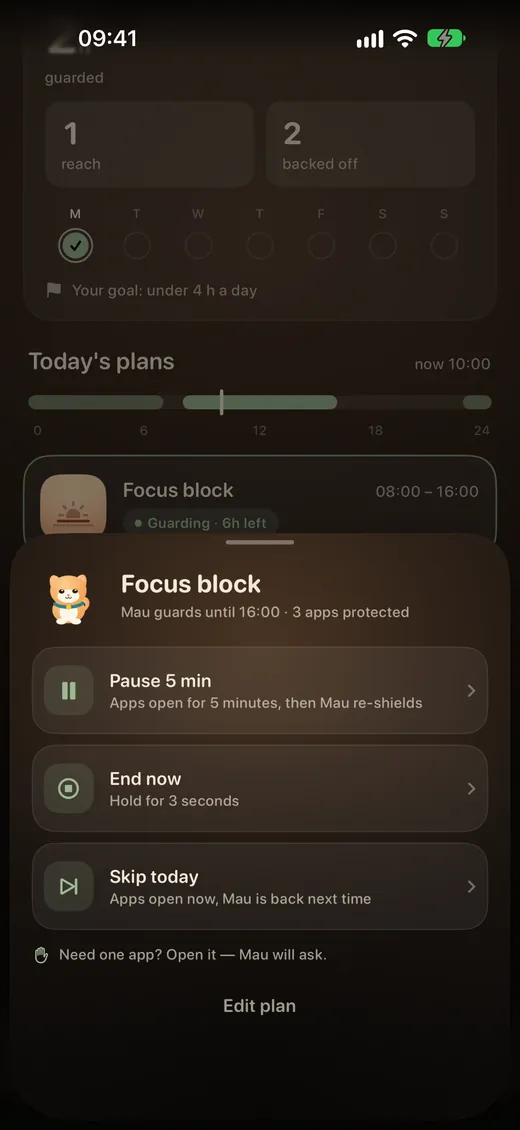
A pause, not a punishment.
One breath, one question, then it's your call.
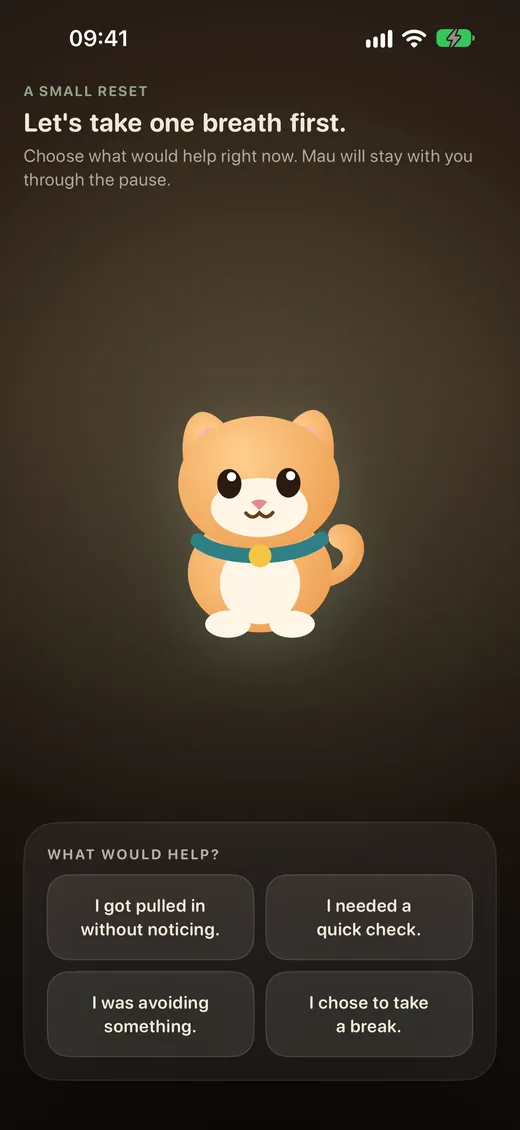
No account. No ads.
Your app choices and focus history stay on your phone.
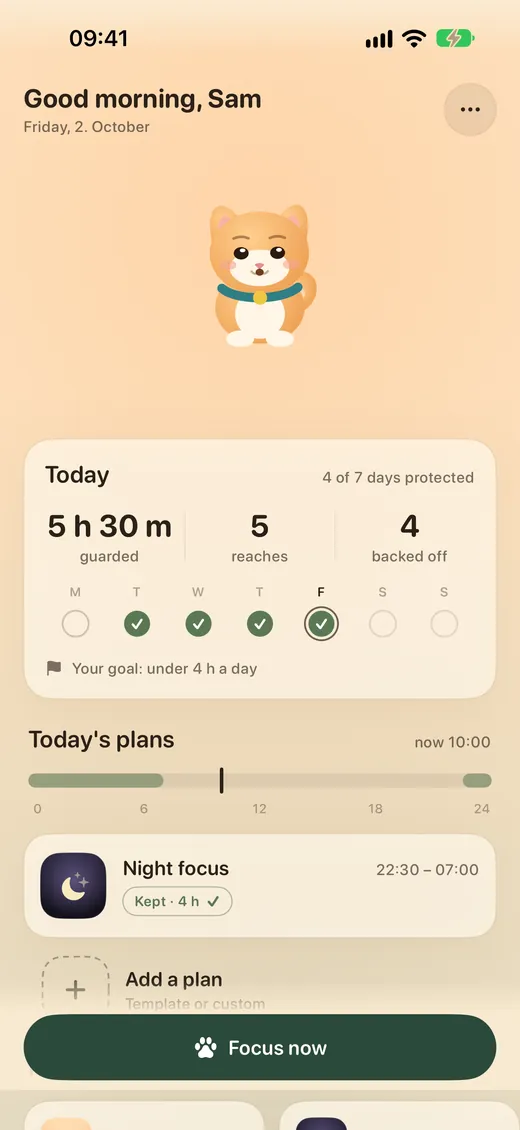
On your terms.
Evenings, work blocks or right now. Pause for 5 minutes or skip a day when you need to.
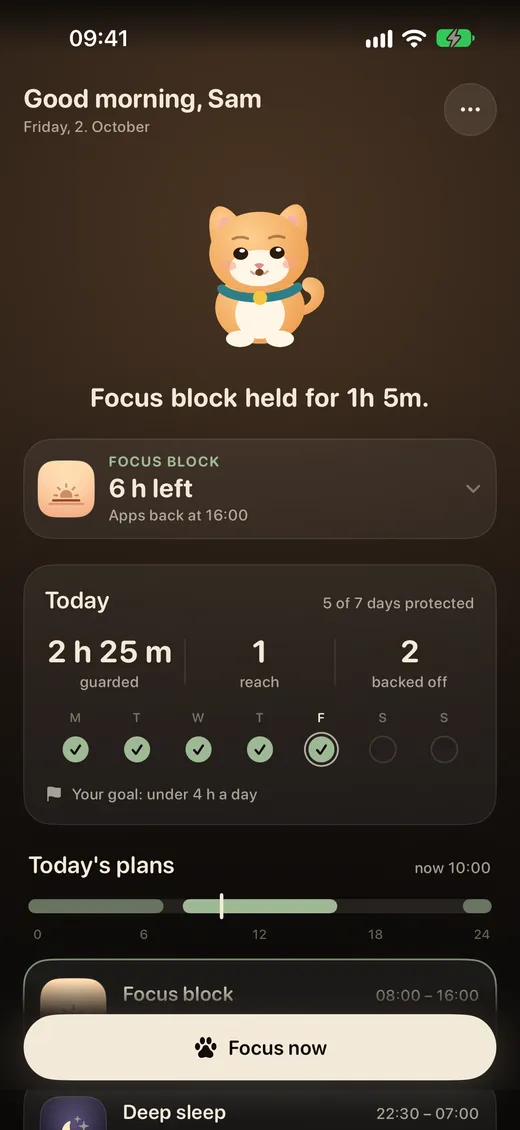
Your phone time, in years.
It's a rough estimate from two numbers. Nothing you enter leaves this page.
Pawwall starts with this math, then helps you win some of those hours back.
A look inside
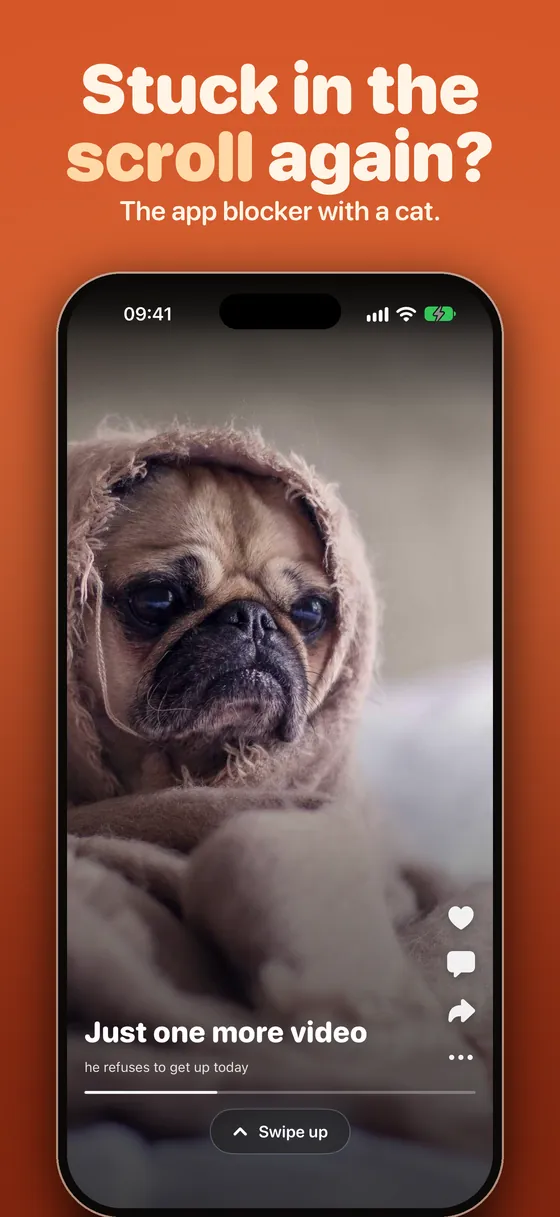
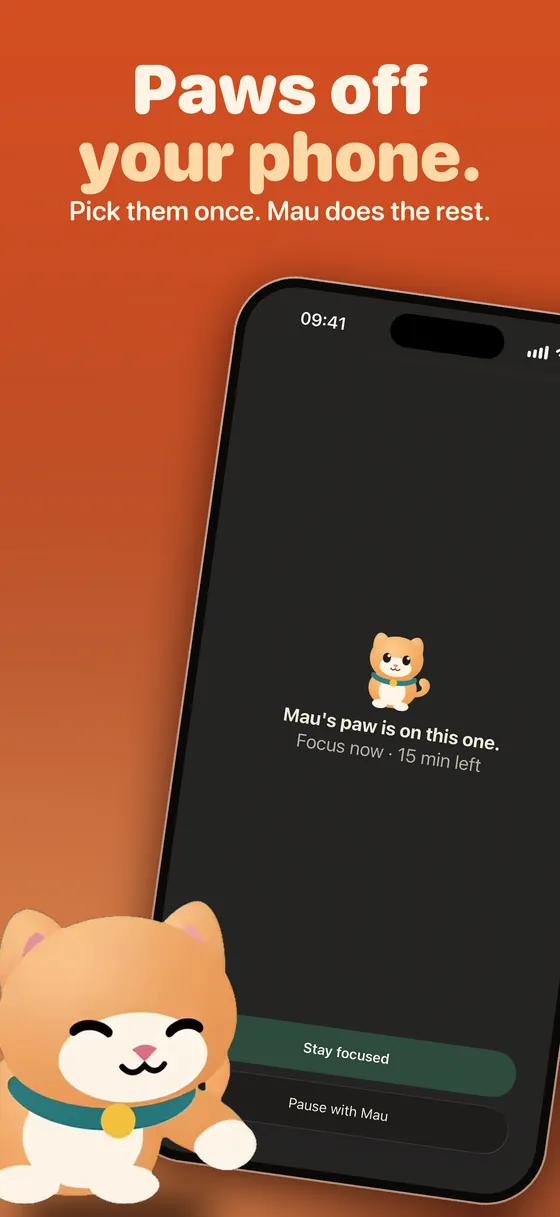
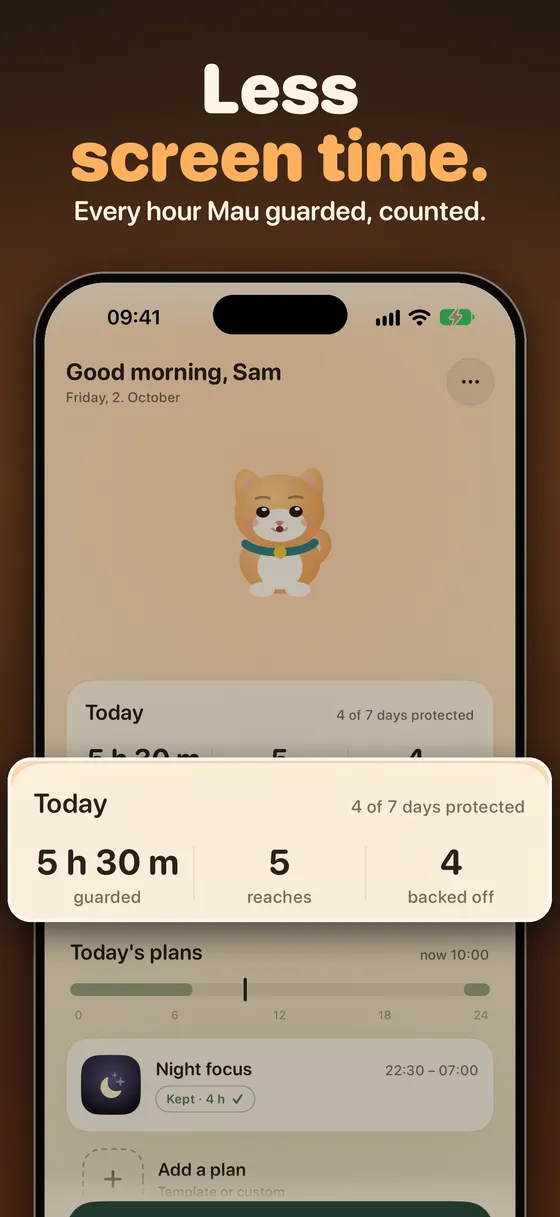
Guides
Questions
How do I stop doomscrolling on iPhone?
Make the apps you slip on harder to open at the times you slip. In Pawwall you pick those apps once and set a plan, for example every night from 22:30. During the plan Apple's Screen Time shields them. If you still want in, you take one breath, Mau asks one question, and after a short wait you decide.
How do I block apps at night on iPhone?
Set a night plan in Pawwall: pick the apps, set the time, and Apple's own Screen Time shield keeps them paused until the morning time you choose. Our guide shows it step by step. →
How is Pawwall different from Screen Time limits?
It uses the same system shield, but you set it once in Pawwall's plans, and a slip leads to one breath, one question and a short wait instead of a one-tap 'Ignore Limit'. Pawwall also counts the time you guarded and the times you backed off.
Can Pawwall see which apps I block?
No. Apple's Screen Time gives Pawwall a sealed token for each app you pick, not its name, and our analytics never include which apps you pick.
What does Pawwall cost?
The membership starts with a 7-day trial on the yearly plan. Prices are shown in the app and on the App Store before you subscribe, and you can cancel any time in your Apple ID settings.
Is Pawwall a parental-control app?
No. Pawwall is made for adults who want to manage their own phone and attention.